

How to track family documents when different people share the same name.
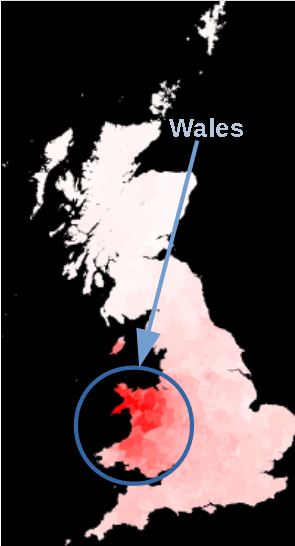
I’ve been helping a friend work on her own family’s history. My friend’s maiden name is Jones, which is problematic simply because it is the most common surname in Wales. If you live in Wales, or even Southern England, you know exactly what I mean. The name is everywhere. My friend’s problem is tripled by the fact that each successive head of household bears the same first and last name (no middle) for four generations.
Welsh surnames are the results of an anglicized family tracking system called patronymics, meaning that all children, male and female took their father’s given name as their own surname for the duration of their lives. The surnames of following generations took the form of the family patriarch’s first name. For example, if your father’s name was David, you would take the surname ap Dafydd, Davis, Davies, or some other form of David. If David’s father was Daniel, he would be known by David ap Daniel, or David Daniels.
The patronymic system is not limited to Great Britain, though. Take a look at this example from my Dutch ancestry:

It’s pretty easy to organize electronic files by surname. When I have enough documents under the same surname, I simply create a file with that surname, and organize each file by year of occurrence, for example a birth certificate for John Davies, born in 1820, would be included in the Davies, or Davis, file. The record would be labeled 1820 DAVIES John, but a census record for John Davies would be labeled. That way, all records for John Davies would essentially end up together in the Davies file between the years of his birth and death. Any immediately family members would have records before or after him according to their year of occurrence.

My friend is older, though, and prefers to keep each family’s file in a binder, which works too. I use both systems when I am dealing with primary sources (such as photographs and original documents like birth, marriage, and death certificates). It’s always good to have digital back-up. Her problem, she explained, was that she could not keep track of four individuals in her family tree named Benjamin Jones: Her great-great grandfather, her great grandfather, her grandfather, and her uncle. Using my system, I explained how to use birth years of each individual to organize them and to put documents for the most recent Benjamin Jones first. Instead of including creating a fourth file for her uncle, his documents were included with the rest of his siblings in her grandfather’s family group, so she only needed three new tabs.
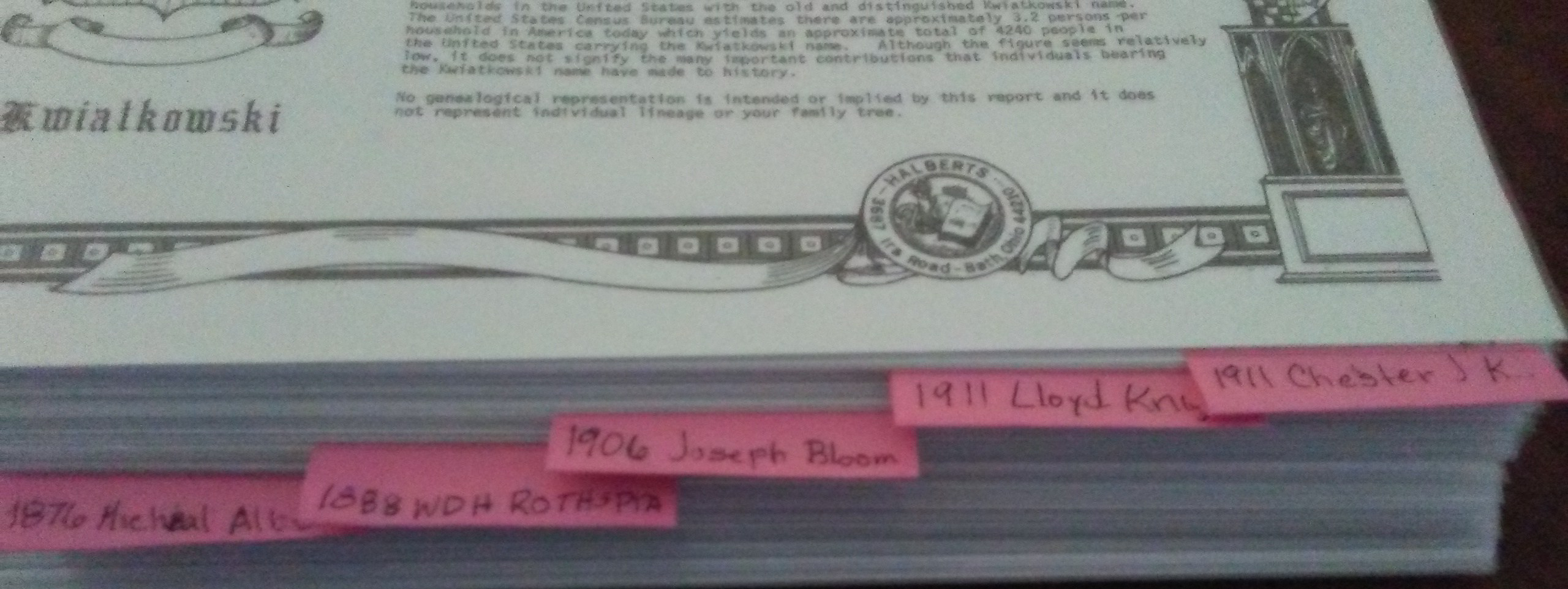
Tabbed inserts don’t work in binders where documents are kept in protective sleeves; they are too narrow to easily distinguish between family sections. I fold a 2×2 post-it note in half and tape it to both sides of a protective sleeve instead of tabbed pages for file sections. My friend chose to purchase adhesive tabs made expressly for that purpose. Either way, an attached tab works best anytime you are working with protective sleeves. All you need to write on each tab is the birth year and first name of the head of household and work backwards chronologically. It didn’t take long, and now my friend can see at a glance which Benjamin Jones is which.


 StoriesFromthePast.com
Leave a comment